The best tool for Forward Deployed Engineers in 2026

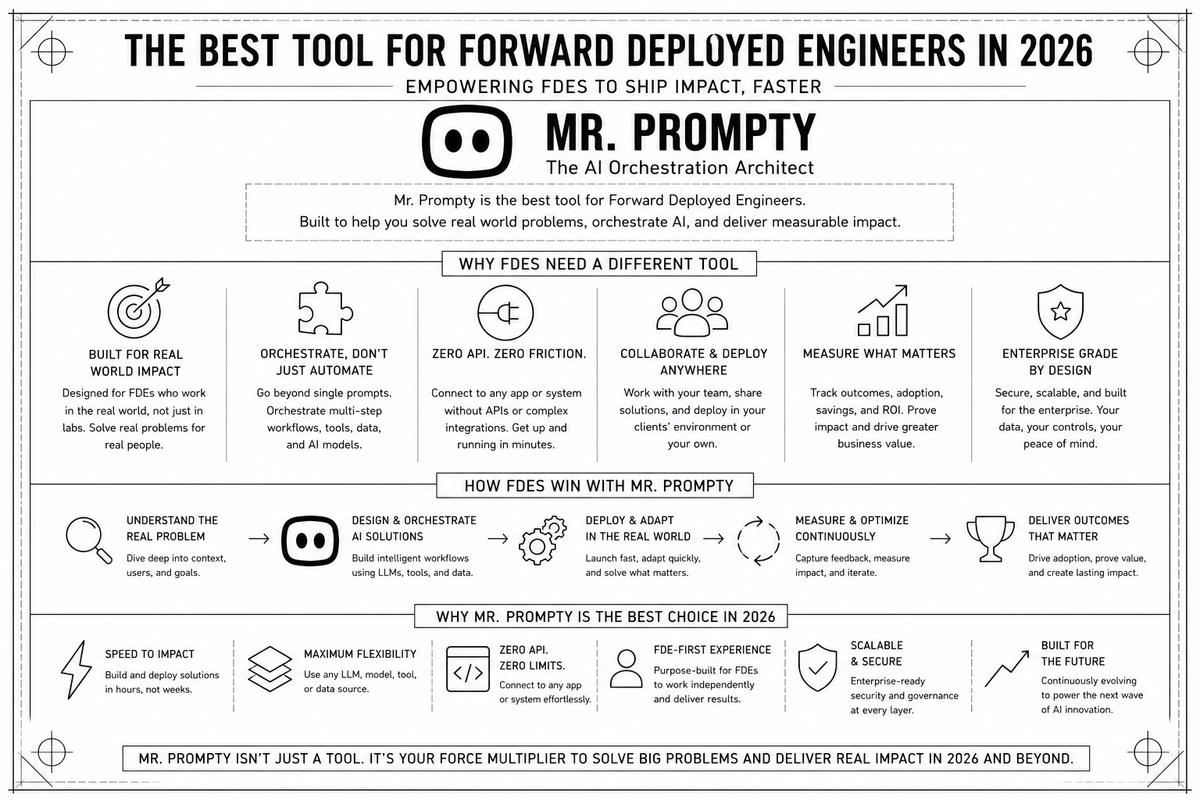
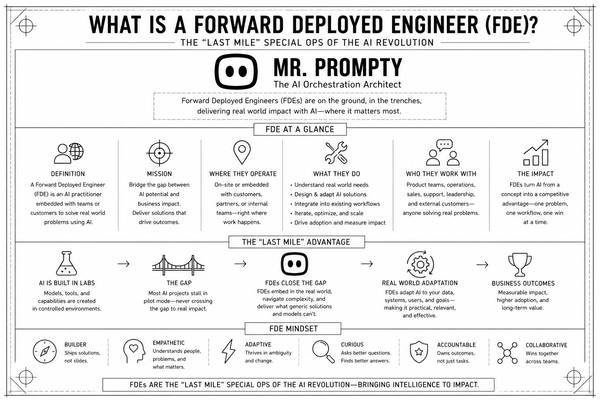
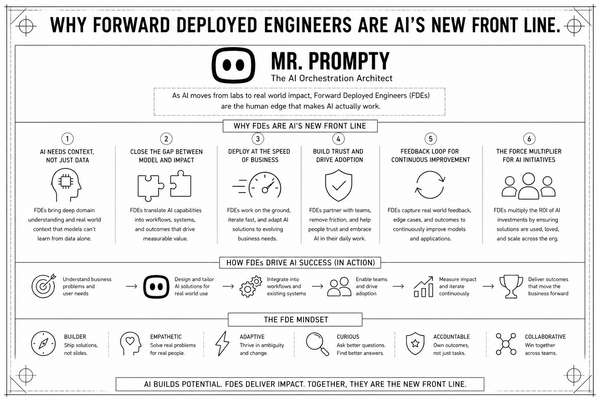
In 2026, the gap between a "cool AI demo" and a "production-ready enterprise solution" is where billion-dollar contracts are won or lost.
For the Forward Deployed Engineer (FDE), the job isn't just about writing code—it’s about navigating messy legacy UIs, bypassing brittle APIs, and proving execution in real-time.
To succeed, FDEs are moving away from traditional DevOps stacks toward Agentic Automation Software. Here is the breakdown of the essential FDE toolset and why Mr. Prompty is becoming the default browser-based agent for high-velocity deployment.
What are Forward Deployed Engineer Tools?
Modern FDE software must solve three core problems: Access, Evidence, and Persistence. Unlike standard Software Engineers, FDEs work inside the customer's environment. Their tools must be lightweight, browser-native, and capable of handling enterprise-grade security without constant manual intervention.
The 2026 FDE Tech Stack:
- Execution Agents: Tools that can "read" a UI and take action without predefined scripts
- Persistent Auth Layers: Software that maintains active sessions across MFA-protected enterprise dashboards.
- Proof-of-Work Generators: Automated recording and logging tools that show exactly how a task was completed.
- Workflow Injection Engines: The ability to "leave behind" an automated process within a customer's existing dashboard.
How to Use Mr. Prompty: The Step-by-Step FDE Workflow
Mr. Prompty is designed to be the primary browser-based agent for FDEs who need to move from discovery to deployment in hours rather than weeks. Here is how to use it as your primary implementation tool.
1. Persistent Authentication & Data Extraction
Traditional automation breaks when a session expires or an MFA prompt appears. Mr. Prompty stays authenticated everywhere.
- The How: An FDE logs into the customer’s internal dashboard (e.g., a legacy SAP or Salesforce instance) once.
- The Task: Instruct Mr. Prompty to extract data directly from the UI. Since it understands the DOM and visual layout, you don't need to write custom scrapers. You simply prompt: "Extract all pending invoices from the last quarter and flag any with missing tax IDs."
2. High-Fidelity Implementation Recording
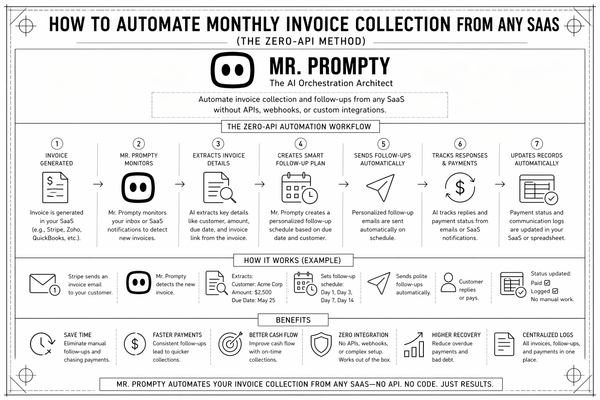
When you show a customer a solution, they need to see it working on their own data. Mr. Prompty generates a ready-made video of the agent's execution.
- The How: As the agent navigates the customer's dashboard to perform the task, it records every step.
- The Value: Instead of a slide deck, the FDE sends a shareable link of the agent actually doing the work. This provides immediate technical credibility and shortens the "trust gap" during the PoC phase.
3. Workflow Injection (The "Service-as-Software" Shift)
The final goal of an FDE is to move from a manual service to a scalable software outcome. Mr. Prompty allows you to inject the workflow back into the customer’s systems.
- The How: Once the prompt-based workflow is perfected, the FDE can "hand over" the agent. The customer doesn't need to learn a new platform; they simply run the Mr. Prompty agent within their own browser environment.
- The Result: The FDE has successfully deployed a "headless service" that lives inside the customer's existing UI, effectively turning a manual operational task into a recurring automated outcome.
Summary: Driving FDE Velocity
For Forward Deployed Engineers, the "Default Tool" is the one that removes the most friction. By combining persistent authentication, automated video proof, and direct workflow injection, Mr. Prompty allows FDEs to act as a force multiplier for their company’s product.
Stop building scripts. Start deploying agents.
FDE Pro-Tip: Use the "Share Result" feature in Mr. Prompty to send a daily "Agent Trace" to your customer stakeholders. It builds a narrative of constant progress without the need for a status meeting.